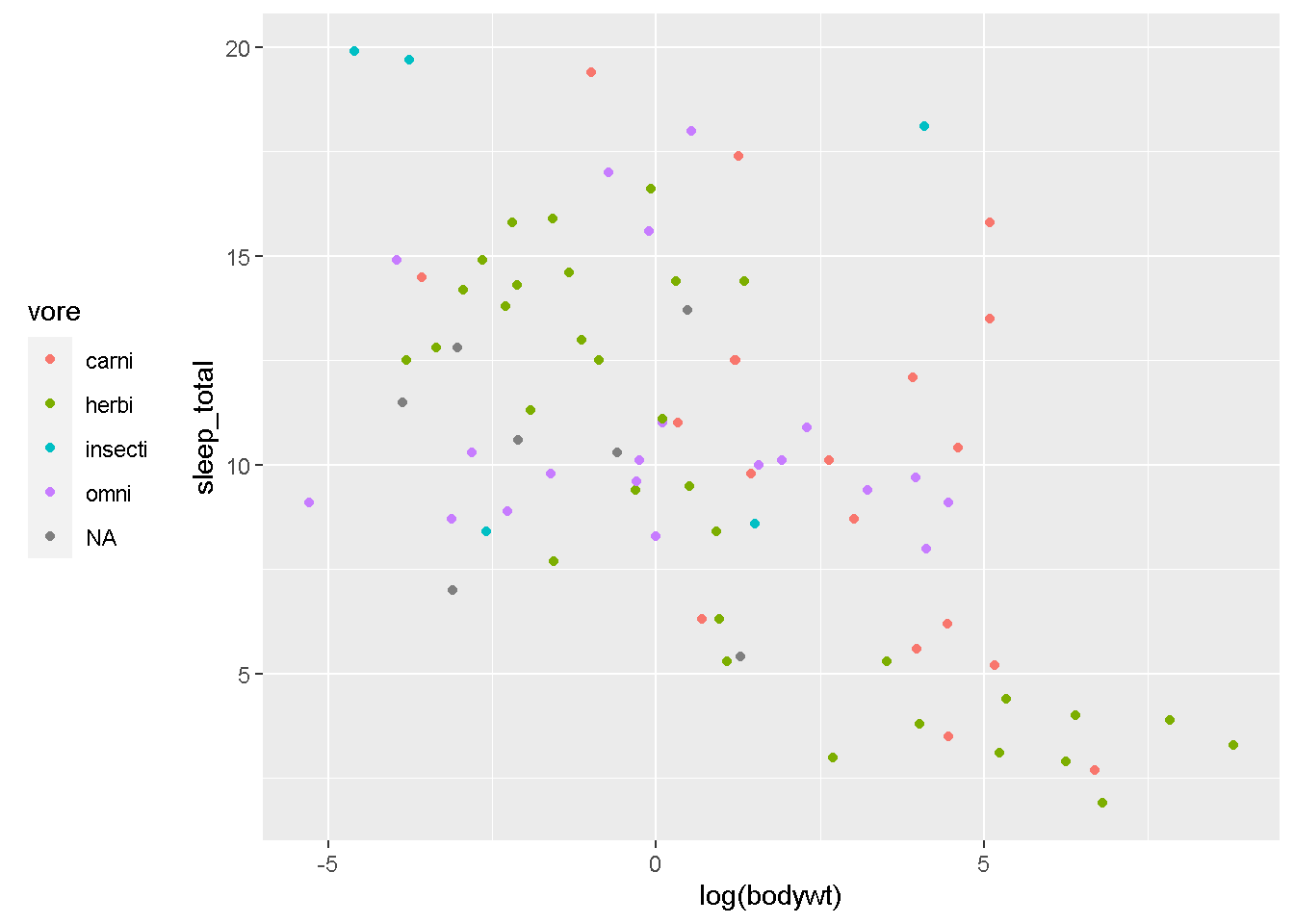
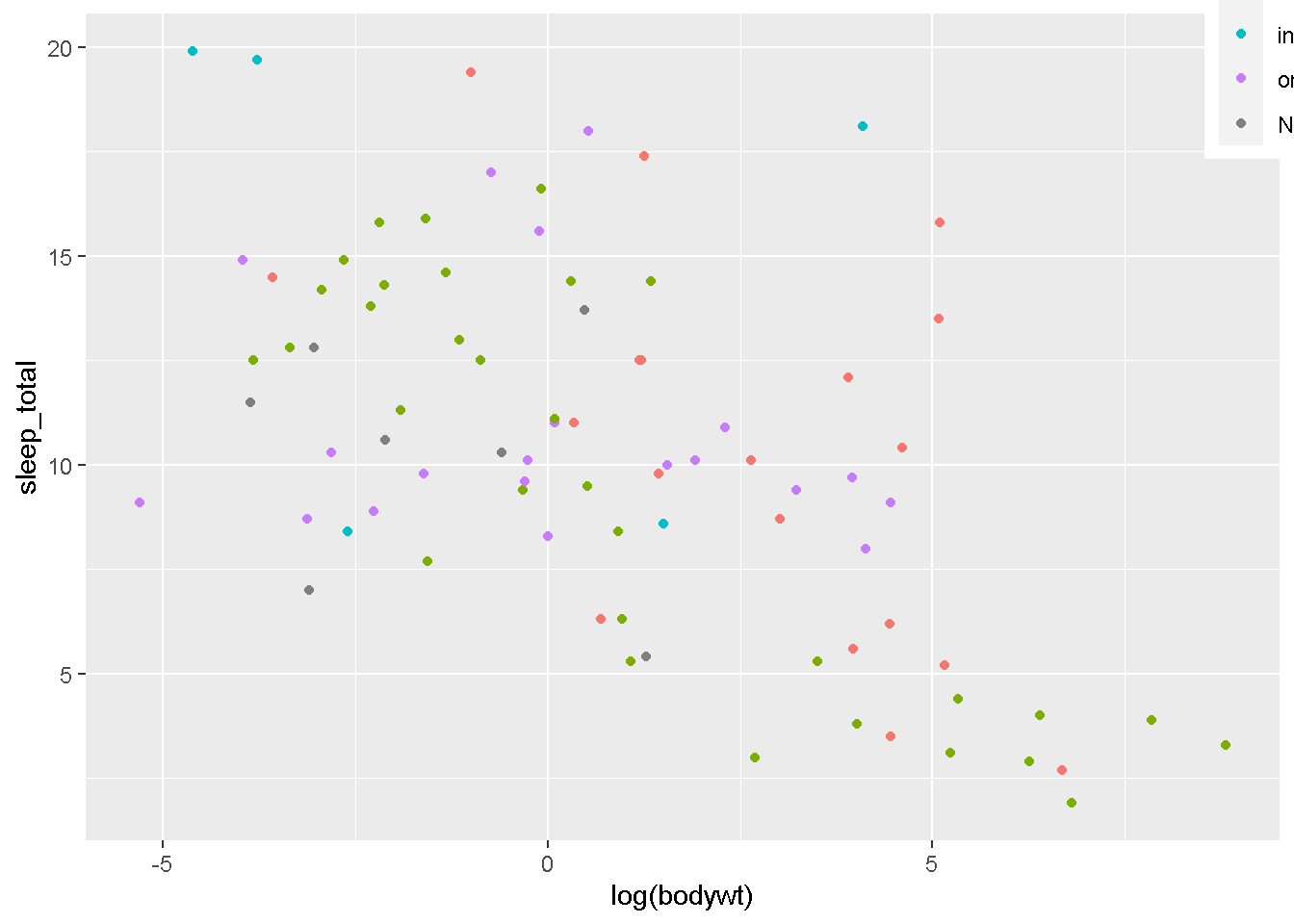
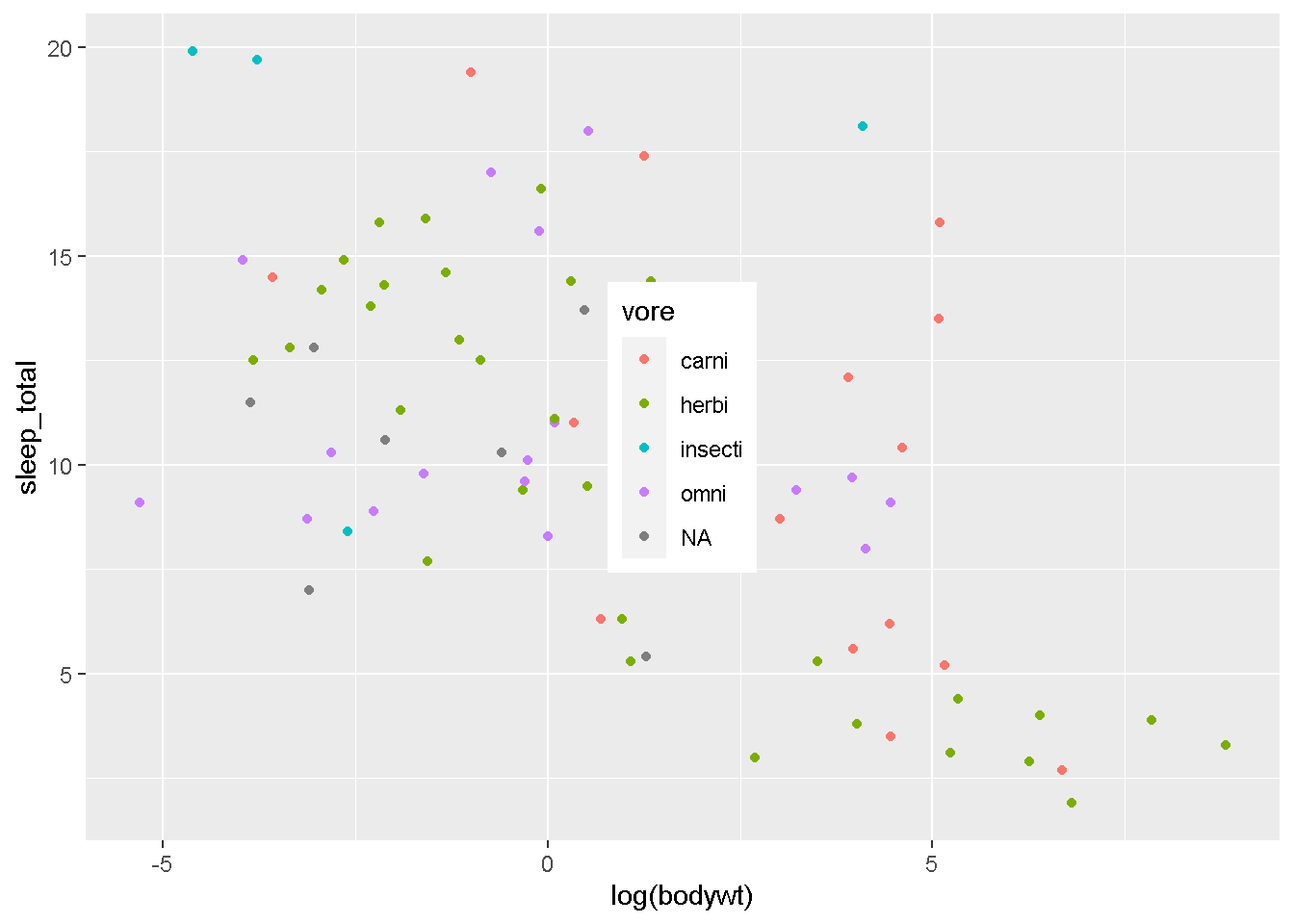
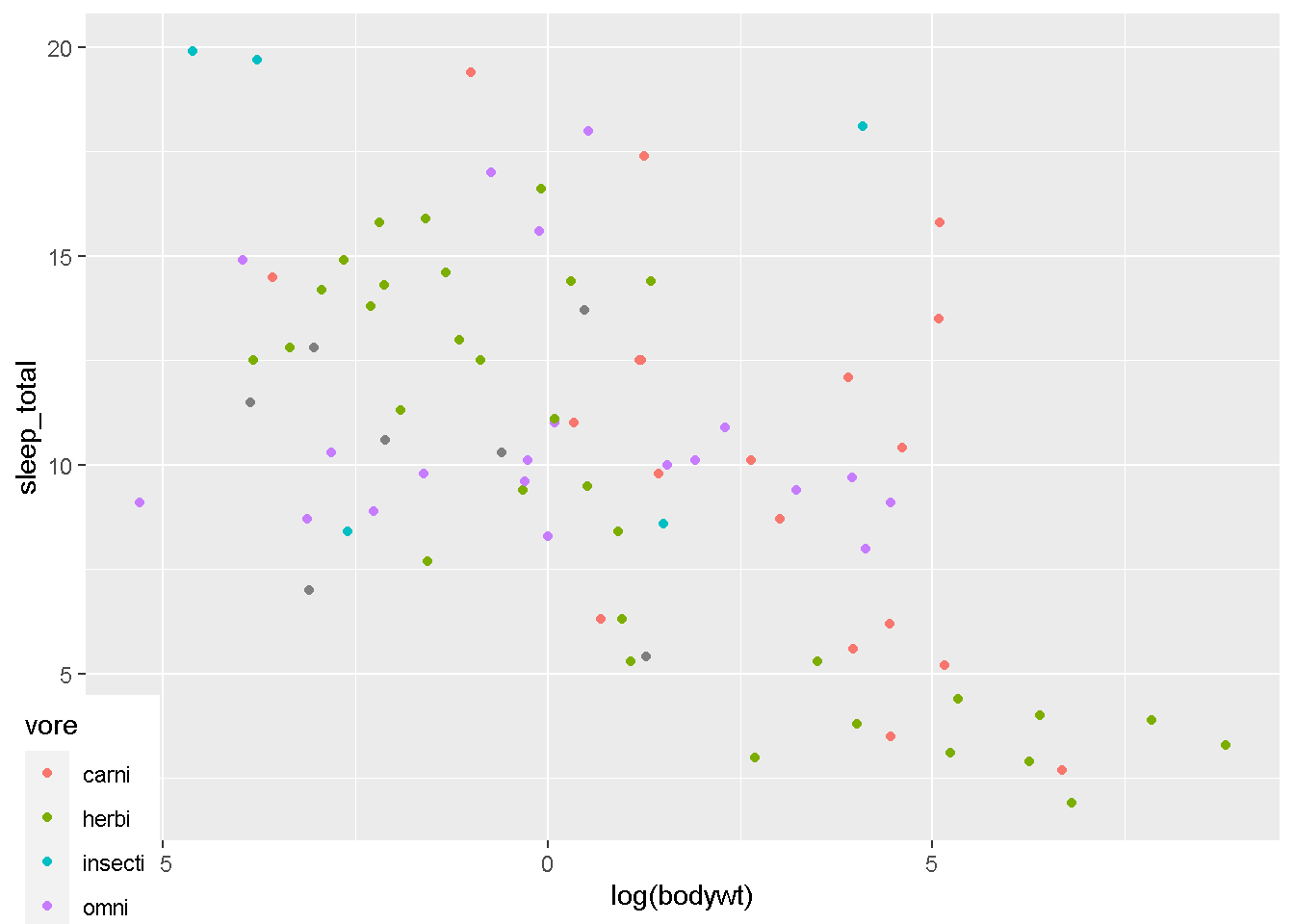
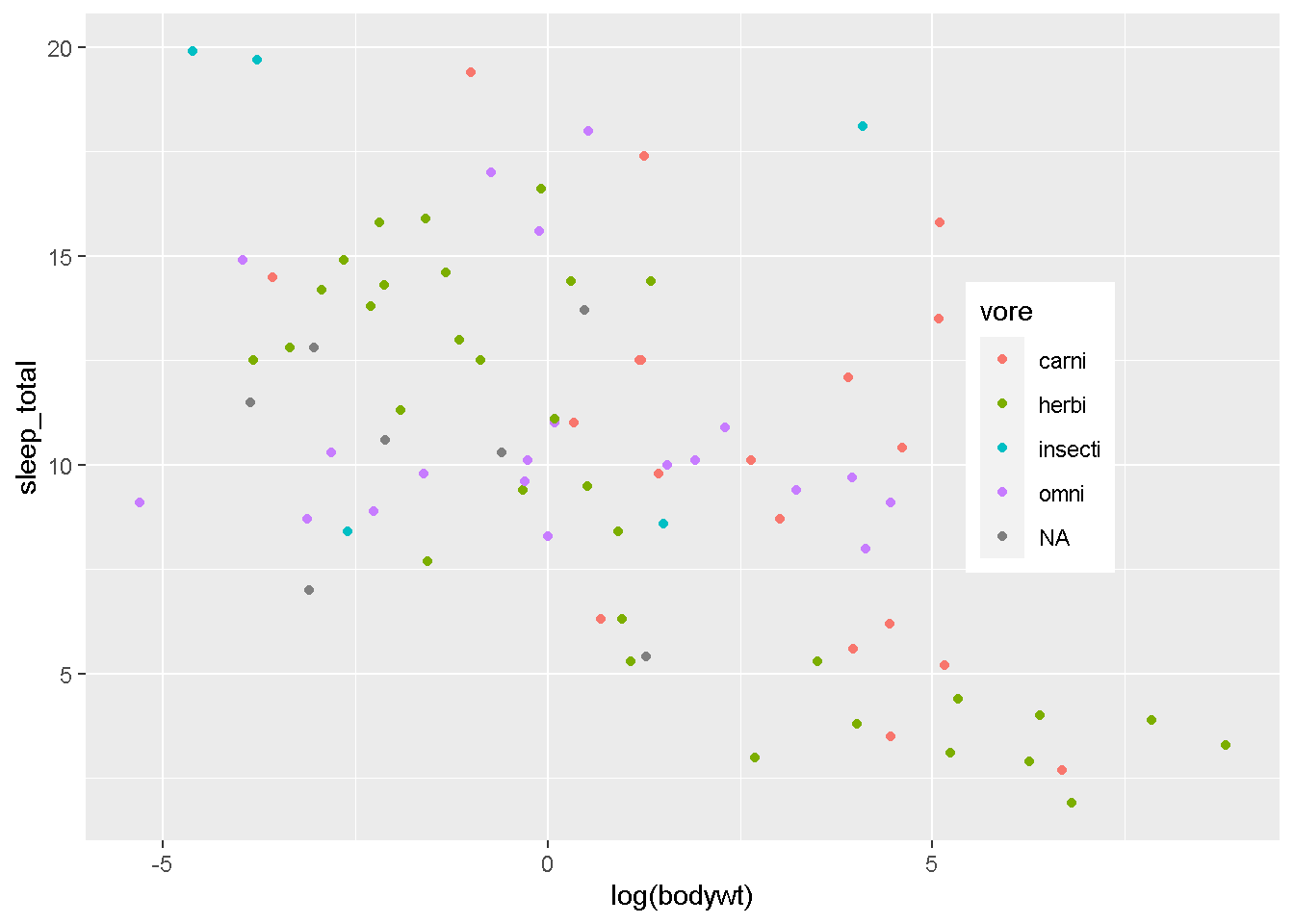
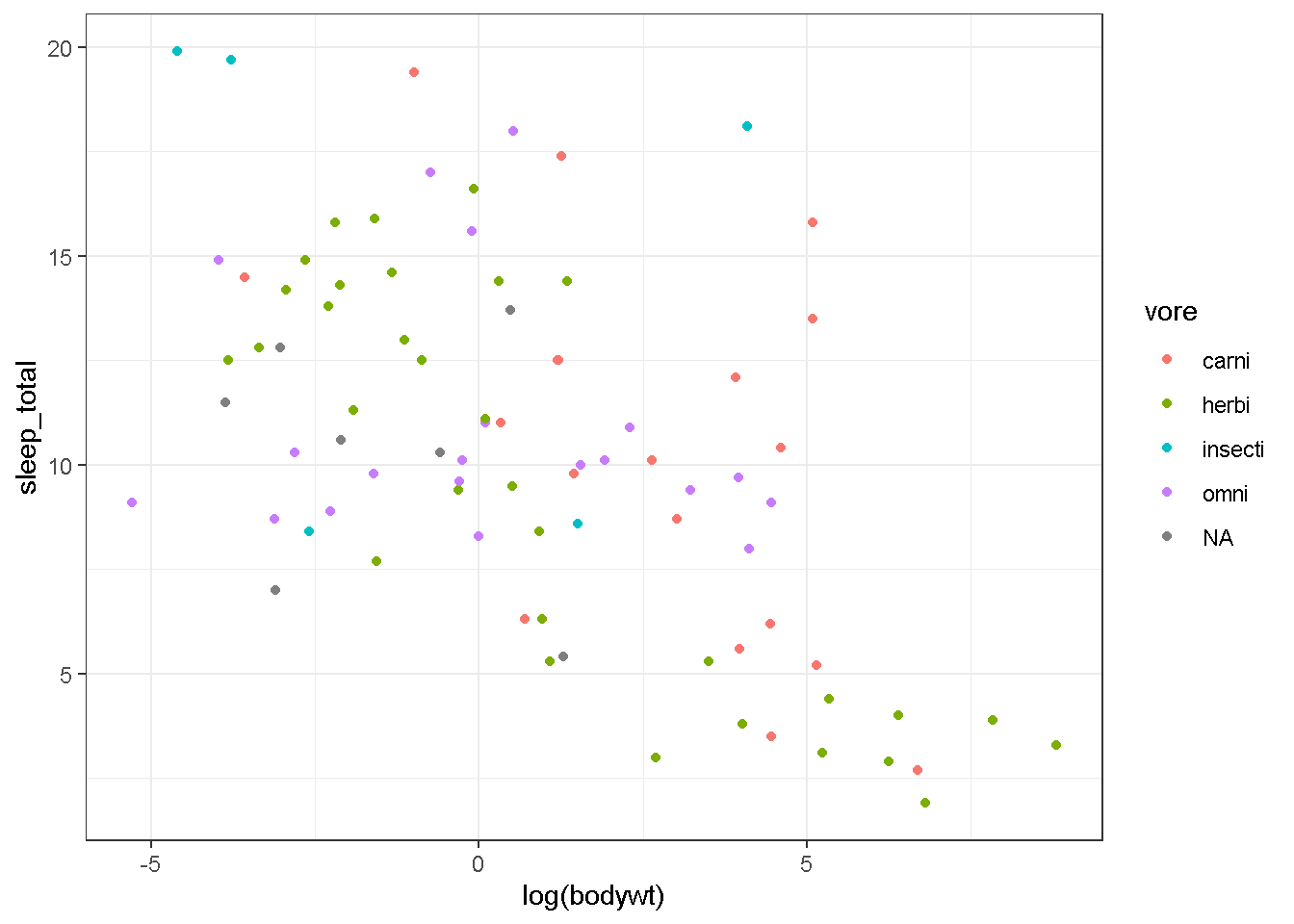
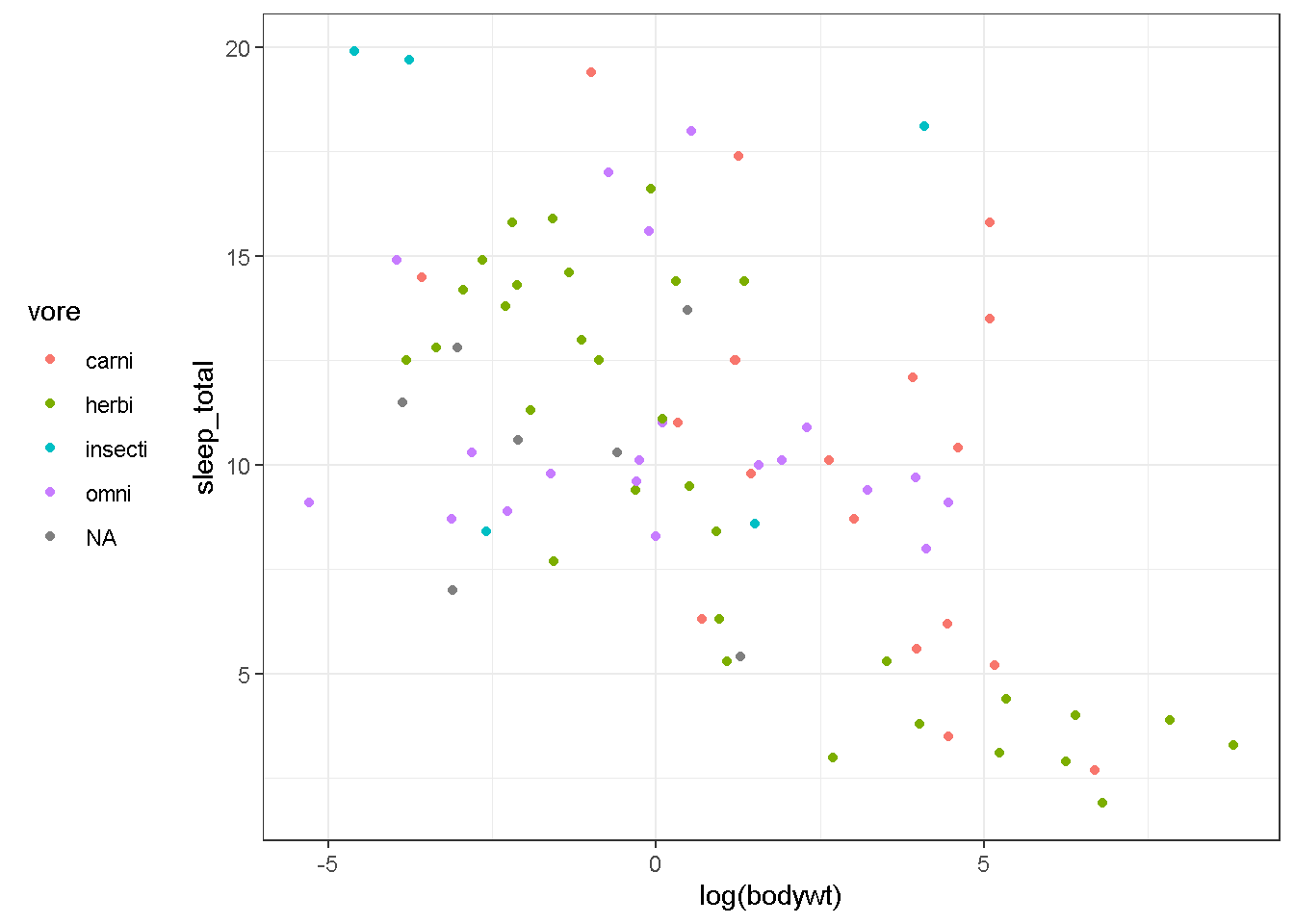
この動画では、themeを直接操作して凡例の位置を変更していきます
── Attaching core tidyverse packages ──────────────────────── tidyverse 2.0.0 ──
✔ dplyr     1.1.2     ✔ readr     2.1.4
✔ forcats   1.0.0     ✔ stringr   1.5.0
✔ ggplot2   3.4.2     ✔ tibble    3.2.1
✔ lubridate 1.9.2     ✔ tidyr     1.3.0
✔ purrr     1.0.1
── Conflicts ────────────────────────────────────────── tidyverse_conflicts() ──
✖ dplyr::filter() masks stats::filter()
✖ dplyr::lag()    masks stats::lag()
ℹ Use the conflicted package (<http://conflicted.r-lib.org/>) to force all conflicts to become errors
gg <- ggplot(msleep)+
  geom_point(aes(x=log(bodywt),y=sleep_total,color=vore))

gg
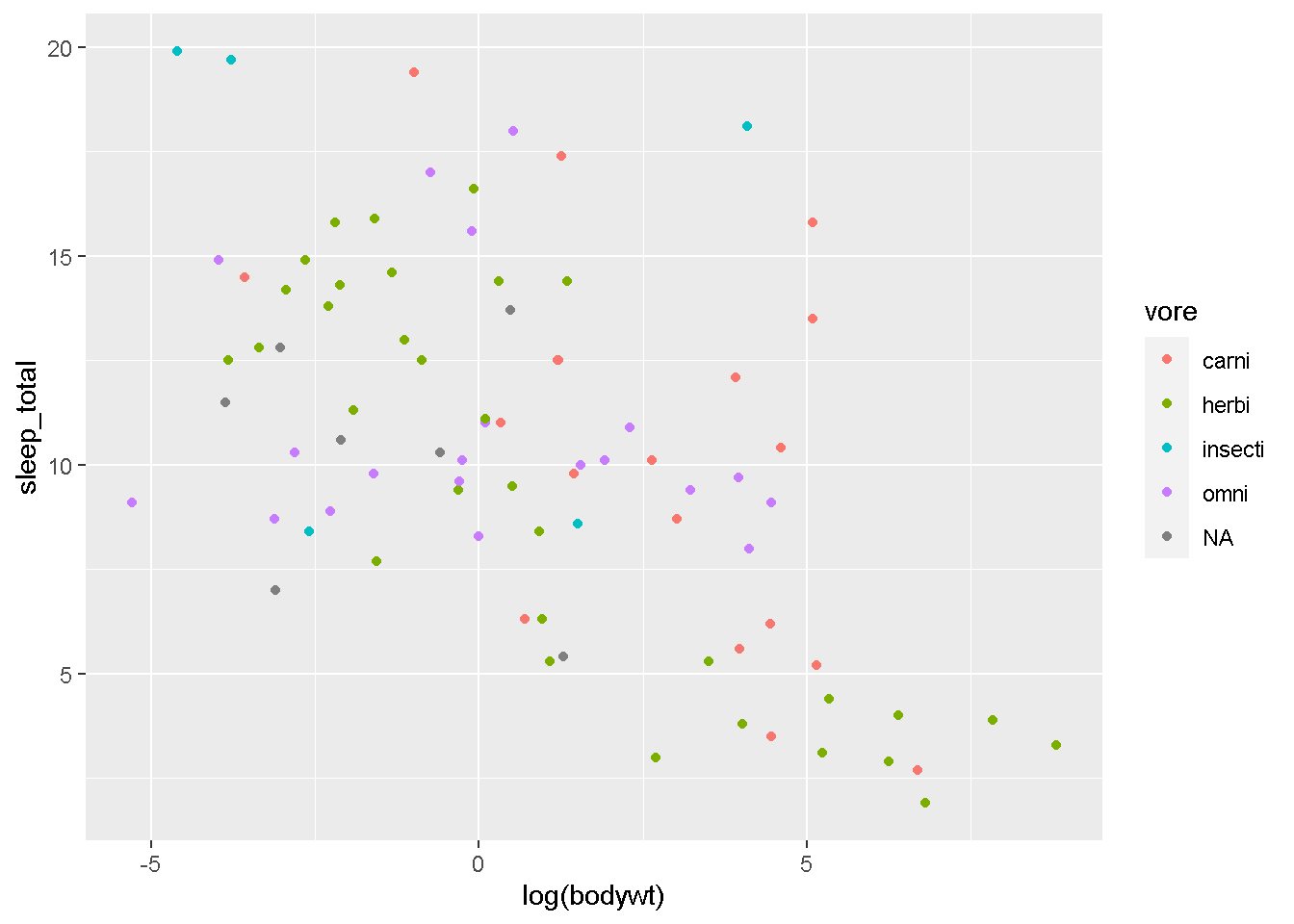
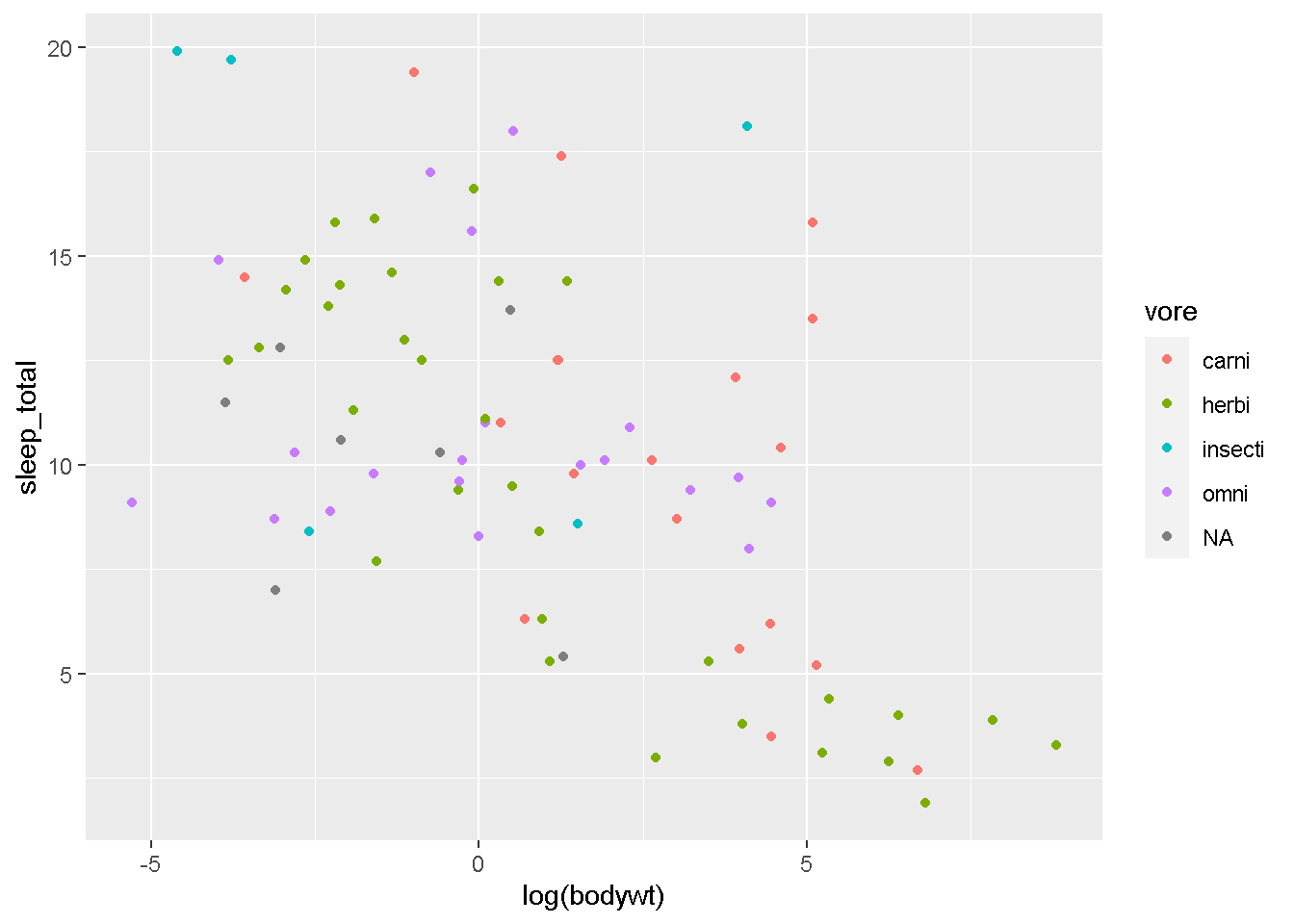
凡例、デフォルトではグラフの右側に表示されていますが、
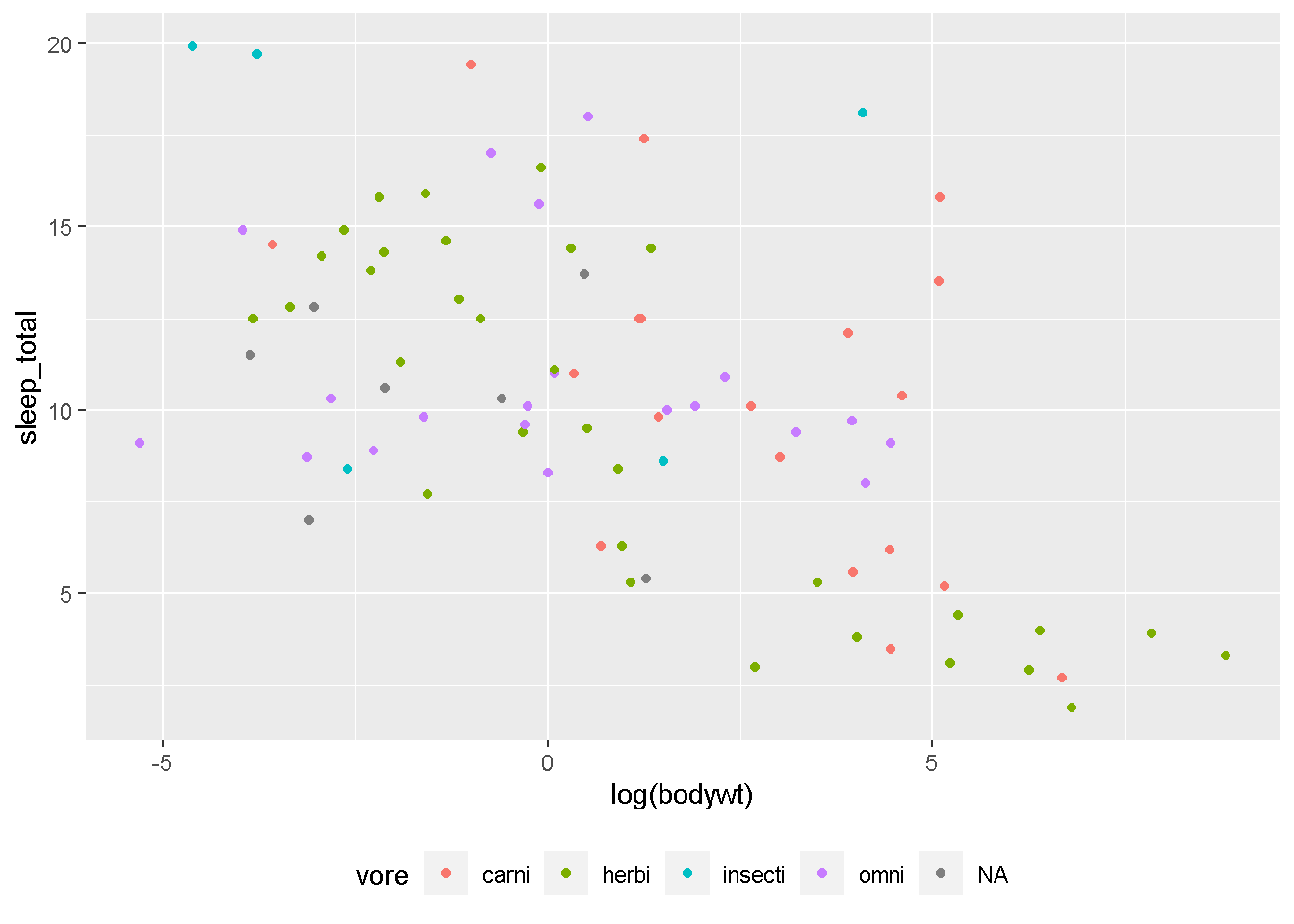
gg + theme(legend.position = "bottom")
gg + theme(legend.position = "right")
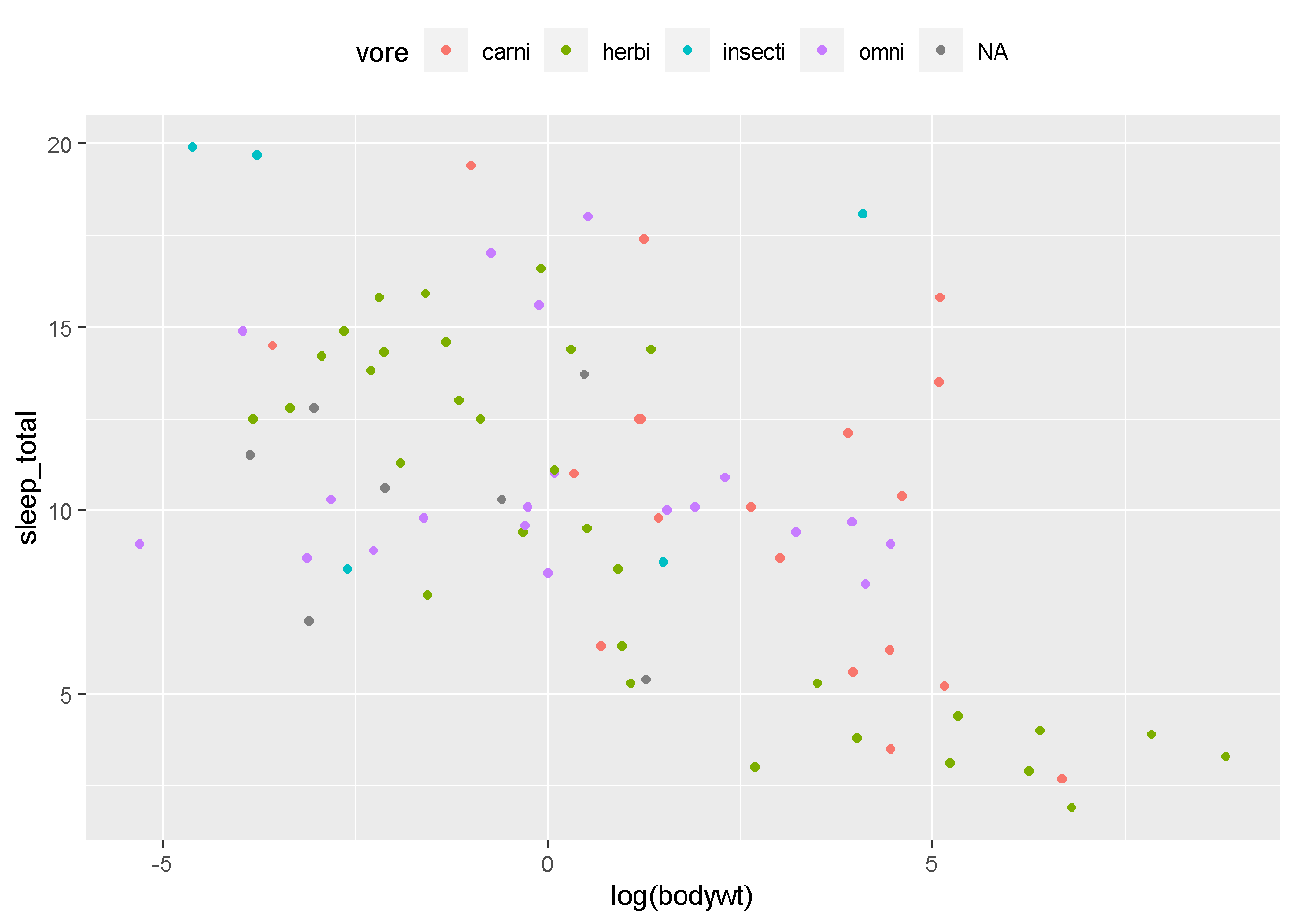
gg + theme(legend.position = "top")
gg + theme(legend.position = "left")
とすることで、下、左、上に表示する場所を変更できます。また、要素が2個の数字を与えてあげると
gg + theme(legend.position = c(1,1))
gg + theme(legend.position = c(0.5,0.5))
gg + theme(legend.position = c(0,0))
gg + theme(legend.position = c(0.8,0.5))
と、こんな感じで好きな位置に凡例を動かすことが可能です。グラフの余ったスペースに凡例を入れ込むようなことも簡単にできるので、必要そうであれば試してみてください。
尚、
gg +
  theme(legend.position="left") +
  theme_bw()
等、theme_xxを後に足すと、せっかく足した設定が上書きされてしまうので、
gg +
  theme_bw() +
  theme(legend.position="left")
こんな感じで、themeは最後につけてあげるのがコツです。